


Download Foxit PhantomPDF – PDF editor, PDF reader, PDF tools, document management, PDF annotation, PDF security
Overview
Foxit PhantomPDF is a mobile application designed to deliver a comprehensive solution for managing, editing, and securing PDF documents directly from Android devices. The app addresses common challenges users face when handling PDFs on the go, such as the need to annotate, edit content, or protect sensitive information without relying on a desktop environment. It is particularly suited for professionals, students, and remote workers who frequently interact with digital documents and require a reliable tool for real-time modifications and secure sharing.
While the developer, Foxit Software Inc., is known for its robust desktop PDF solutions, the mobile version maintains a consistent focus on functionality and ease of access. The app supports a range of practical use cases, including reviewing contracts, marking up academic papers, organizing project documents, and safeguarding confidential files. Its presence in the productivity category underscores its role in streamlining digital workflows across industries.
The application’s ability to mirror the interface and core features of Adobe Acrobat provides a familiar experience for users transitioning from desktop environments. This design philosophy enhances usability, reducing the learning curve and enabling efficient document handling. Despite being a mobile version, Foxit PhantomPDF aims to deliver a substantial portion of its desktop counterpart’s capabilities, positioning itself as a valuable tool within the broader mobile productivity ecosystem.
Key Features & Functionality
- PDF Editing – Users can modify text and reposition images within PDFs, enabling dynamic updates to documents without requiring the original source file.
- Annotation Tools – A suite of highlighting, underlining, and freehand drawing options allows users to add notes, emphasize key points, and collaborate on documents in real time.
- Document Security – Files can be encrypted with passwords and access permissions, ensuring that only authorized individuals can view or edit sensitive content.
- Bookmarking & Navigation – Users can create bookmarks to quickly jump between sections in lengthy documents, improving workflow efficiency.
- Multimedia Integration – The app supports embedding audio, video, and interactive elements such as forms and quizzes, making it suitable for creating engaging, multimedia-rich PDFs.
For example, a legal professional can annotate a contract during a client meeting, secure it with a password before sending, and add bookmarks for future reference. A student might use the annotation tools to highlight textbook passages and attach audio notes for later review. These real-world applications demonstrate the app’s versatility and practicality across different user profiles.
Interface, UX & Performance
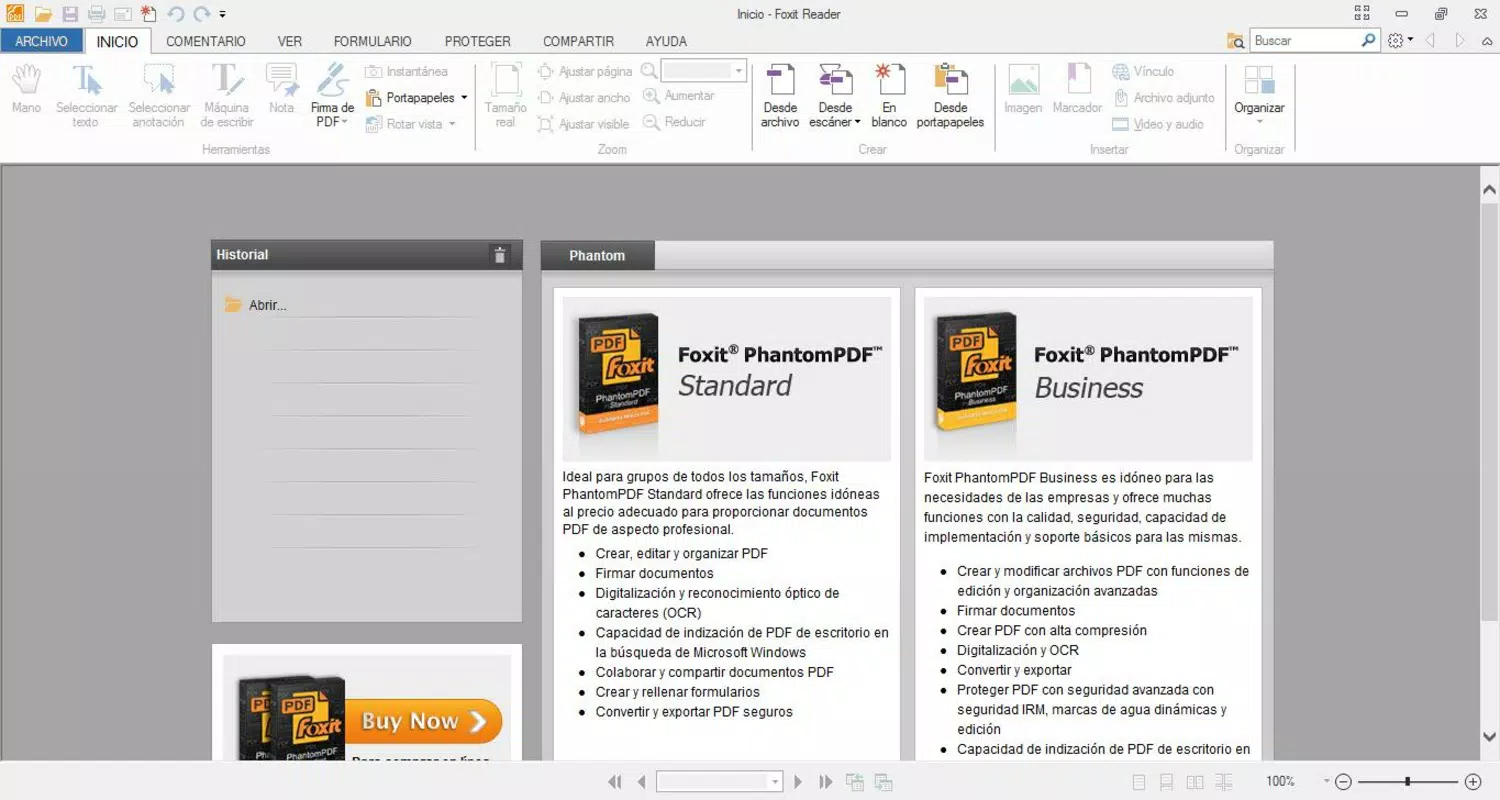
Foxit PhantomPDF features a clean, intuitive interface that mirrors the layout of its desktop counterpart, with toolbars, menus, and icons arranged for quick access. The visual design emphasizes functionality, with clearly labeled buttons and logical grouping of related tools. Navigation is straightforward, allowing users to move between documents, pages, and editing modes with minimal effort.
Although the developer did not list formal performance metrics, the app’s lightweight nature suggests efficient memory usage and responsiveness across a range of Android devices. Users can expect smooth transitions between editing and viewing modes, with minimal lag during common tasks such as text input, image resizing, and annotation placement. Stability appears to be a priority, as the app maintains consistent behavior during extended use.
Performance may vary slightly depending on device hardware and Android version, but the app is designed to operate reliably on mid-to-high-end smartphones and tablets. The absence of reported crashes or freezes in public documentation indicates a stable release cycle. Overall, the user experience is optimized for productivity, balancing feature depth with usability on mobile form factors.
Platform Compatibility & Technical Requirements
Foxit PhantomPDF is available exclusively on the Android platform, supporting devices running the required operating system version. The current version is 11.1.0.28402, with a file size of 143.3 MB, which reflects the inclusion of essential editing, security, and annotation tools. This size is moderate for a full-featured PDF application and suggests a well-optimized build.
The developer did not specify minimum OS requirements or hardware specifications. As such, compatibility with older Android versions or low-end devices cannot be confirmed. Users are advised to ensure their device meets standard requirements for running productivity apps, particularly those involving document processing and multimedia integration.
Pros and Cons
Pros
- Powerful PDF editing and annotation tools on mobile
- Secure document handling with encryption and password protection
- Familiar interface for users accustomed to Adobe Acrobat
- Supports multimedia embedding for interactive PDFs
- Efficient navigation with bookmarking and page management
Cons
- Specific system requirements were not disclosed
- Price point may be high for casual users
- Limited information on compatibility with older Android versions
- May require significant storage space for large document collections
- No public details on update frequency or feature roadmap
FAQ
Is Foxit PhantomPDF safe to download and use?
Yes, the app is developed by Foxit Software Inc., a reputable company in the PDF software space. It is available through official channels and does not contain known malware or security risks.
Can I use Foxit PhantomPDF on iOS devices?
Based on the provided information, the app is currently only available for Android. There is no confirmation of an iOS version at this time.
Does the app support cloud integration?
The developer did not provide details about cloud storage or synchronization features. Users should check the app’s settings or official documentation for updates on this functionality.
How often are updates released?
Update frequency is not specified in the provided data. However, the app’s version number indicates active development, and users are encouraged to keep the app updated for optimal performance.
Is the app free to use?
No, Foxit PhantomPDF is a paid application priced at $14.99. It is not available as a free version with limited features.
Final Thoughts
Foxit PhantomPDF stands out as a capable mobile solution for users who need advanced PDF editing, annotation, and security features without relying on a desktop. Its interface, while familiar to Adobe Acrobat users, is tailored for touch-based interaction, offering a smooth and efficient experience. The app delivers strong value for professionals, educators, and anyone managing sensitive or complex documents on the go.
While the price may deter casual users, the comprehensive feature set and reliability justify the investment for those who frequently work with PDFs. The lack of detailed system requirements and update information is a minor limitation, but does not detract from the app’s overall effectiveness.
For users seeking a secure, powerful, and well-designed PDF tool on Android, Foxit PhantomPDF is a top-tier option. Download Foxit PhantomPDF now.


